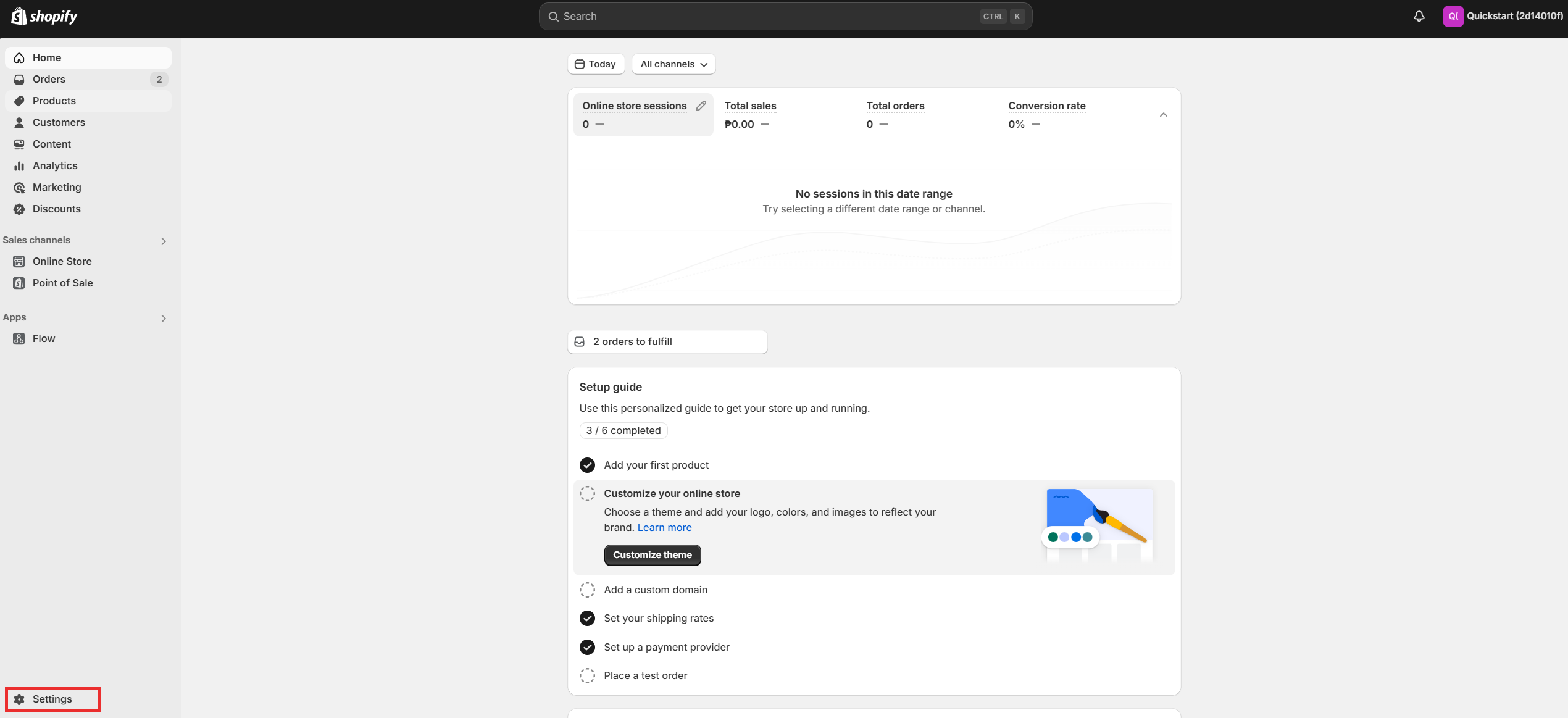
Visit Shopify: Go to Shopify and log in to your store admin.
Navigate to Settings: In the bottom-left corner, click Settings.
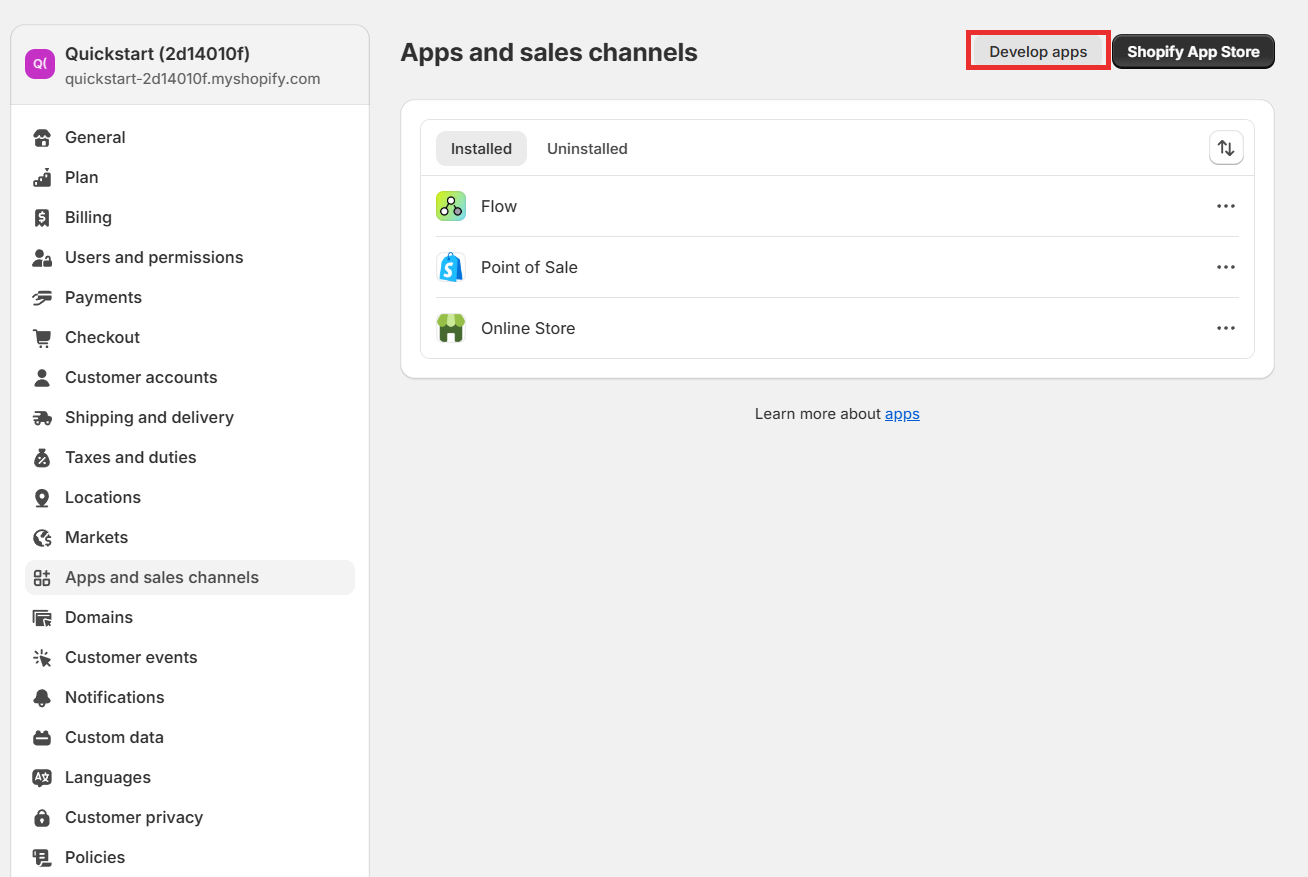
From the Settings page, click Apps and Sales Channels on the left sidebar.
Click the Develop apps for your store button.

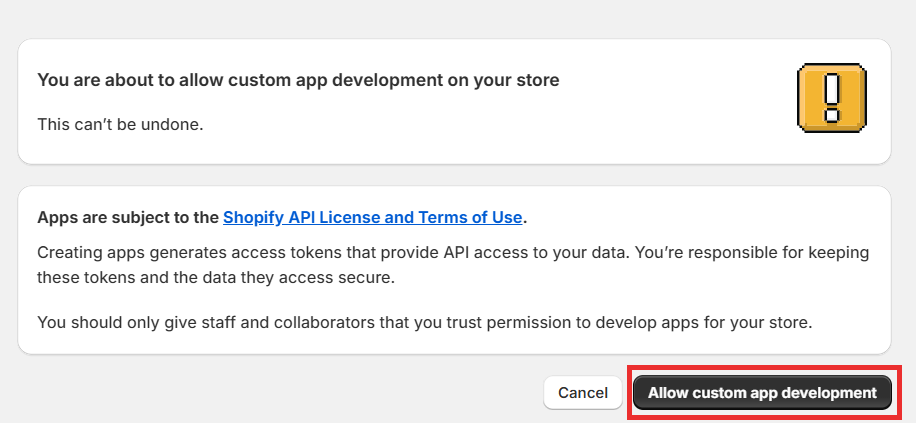
If this is your first time, Shopify will ask you to enable app development. Follow the prompts:
Click Allow custom app development
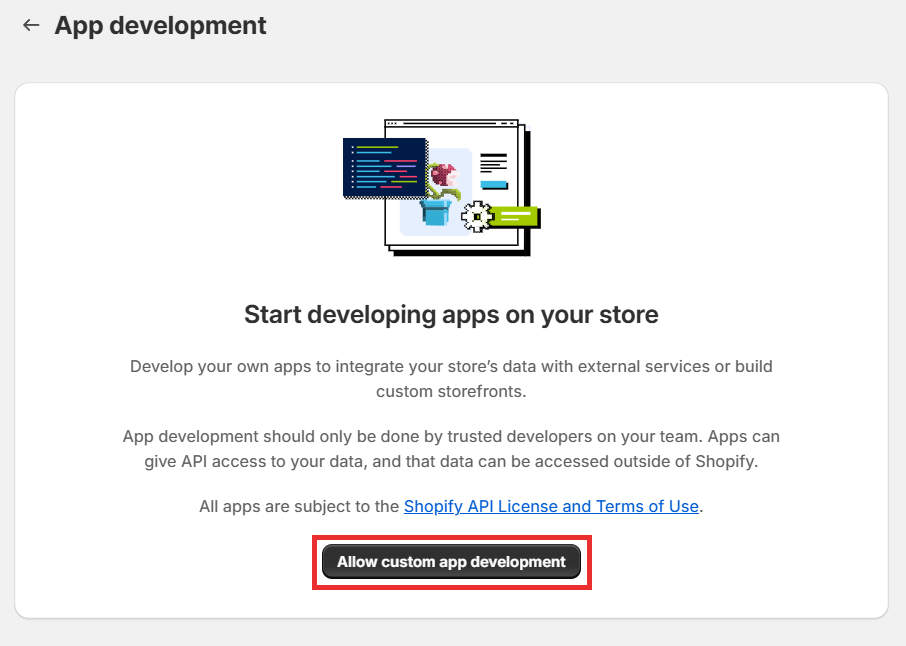
Confirm by clicking Allow custom app development again in the pop-up.
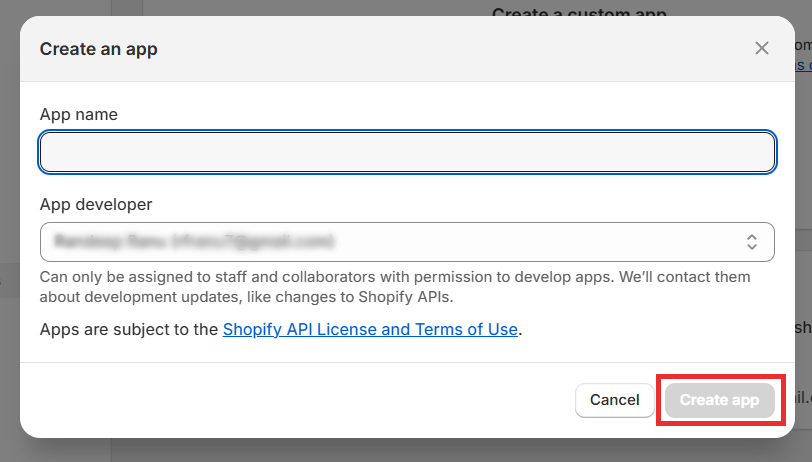
Click Create an app.
In the dialog box:
Enter an app name (e.g., "My Custom App").
Choose the app developer from the dropdown (it defaults to your store owner account).
Click Create app.
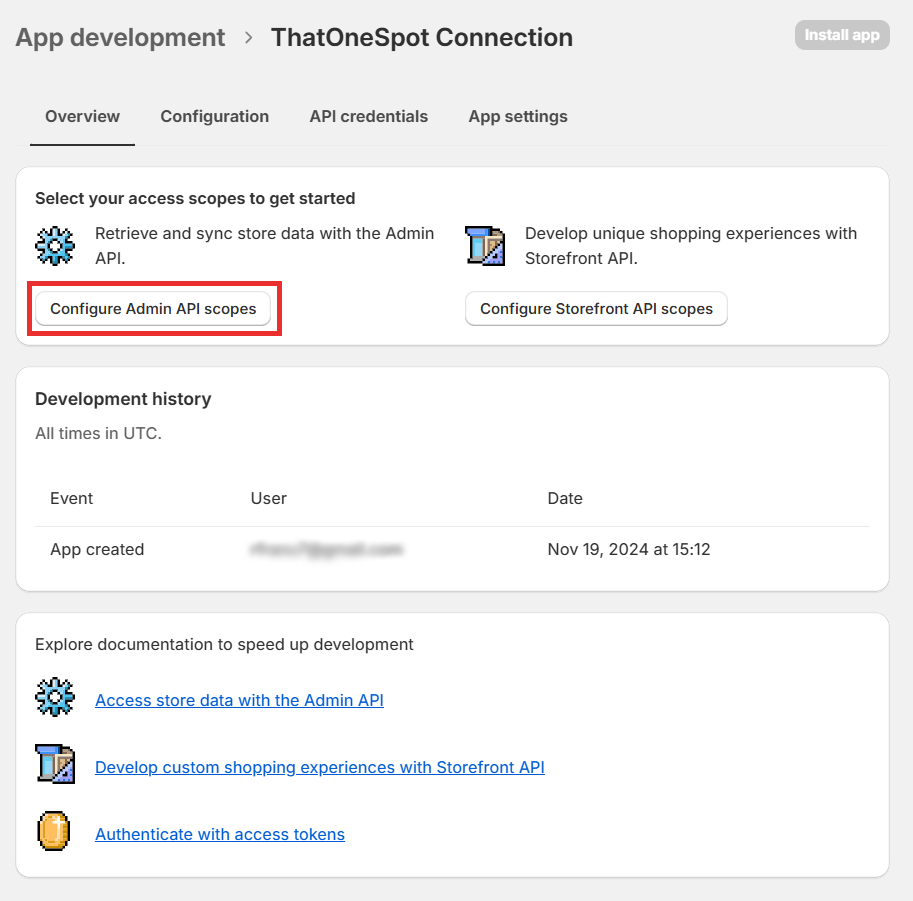
Once your app is created, go to the API credentials tab.
Click Configure Admin API scopes.
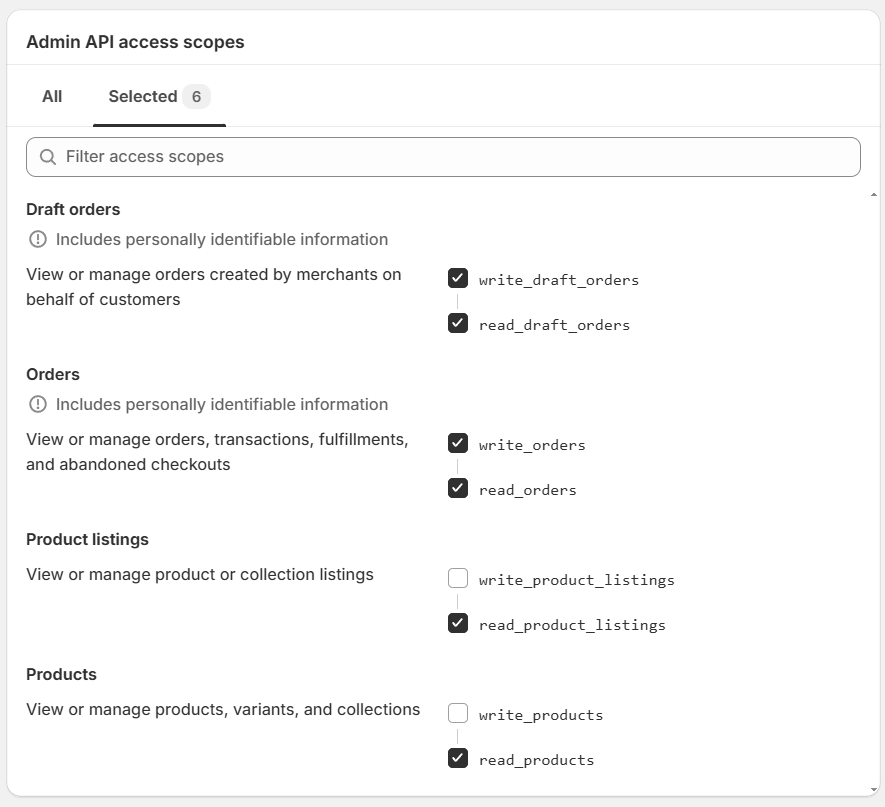
Select the permissions your app needs, such as:
Read and Write Draft Orders (read_draft_orders and write_draft_orders)
Read and Write Orders (read_orders and wrtie_orders)
Read Product Listings (read_product_listings)
Read Products (read_products)

Click Save.
Go back to the app’s dashboard and click Install app in the top-right corner.
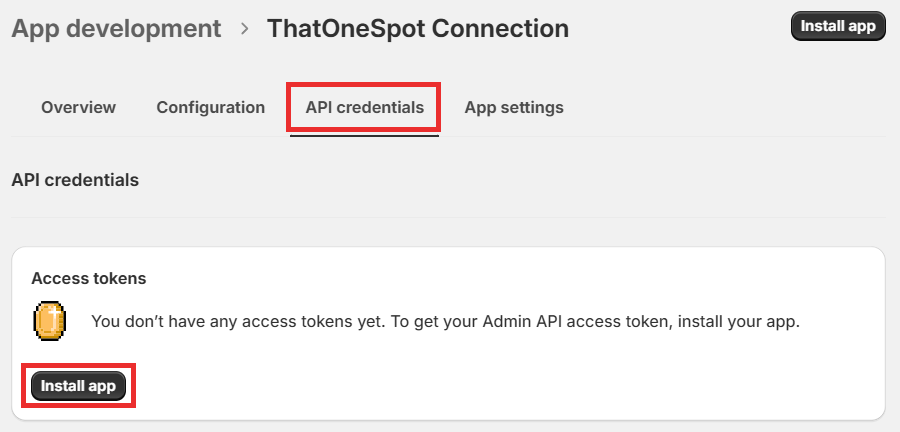
Confirm installation when prompted.

After installation, in the API credentials tab:
Copy the Admin API access token (Make sure to store it securely).
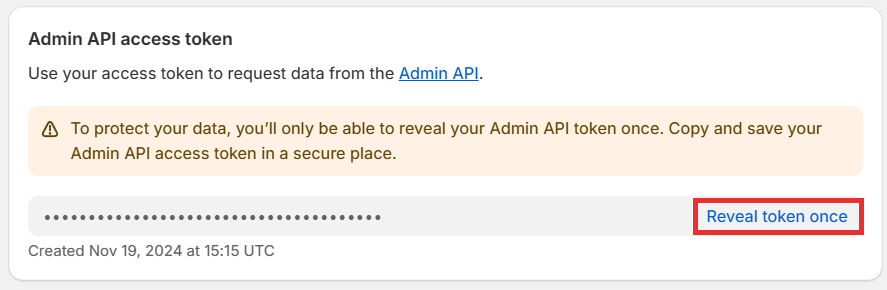
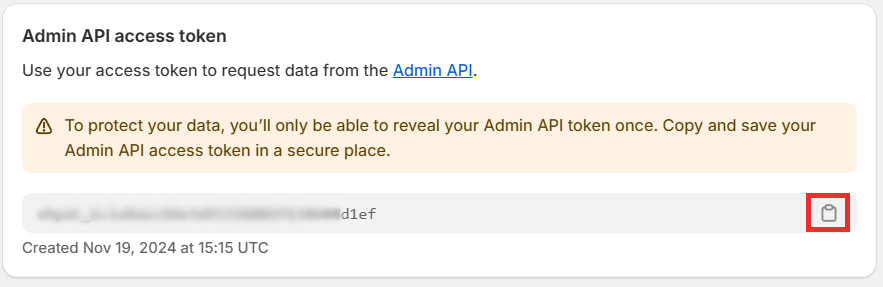
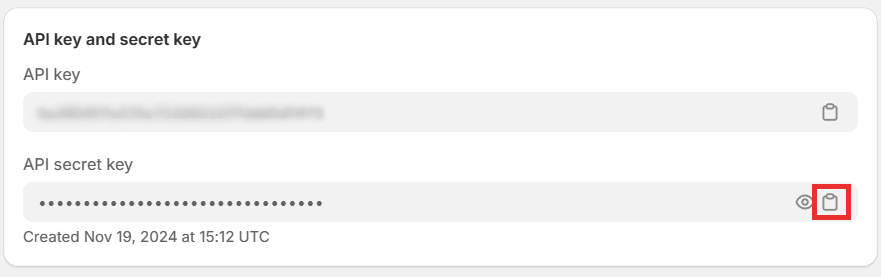
Note the API secret key for your app.
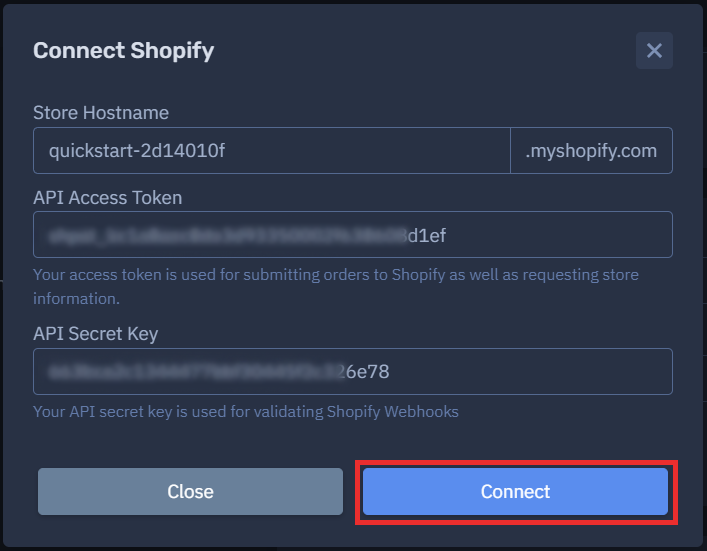
Open the Connect Shopify form on the platform.

Fill out the fields:
Store Hostname: This is your store's myshopify.com domain (e.g., your-store.myshopify.com).
API Access Token: Paste the Admin API access token you generated earlier.
API Secret Key: Enter the API secret key from the API credentials page.
Click the Connect button to save the connection.